ISEC7 MAIL & YubiKey
Sign email on your phone, with the certificate on a YubiKey
At the desk, the smart card sits in the reader. On the move, often only a password is left. ISEC7 MAIL closes that gap: your staff hold a YubiKey to an iPhone or Android device and use it to sign and decrypt their email.
The result: one login method for desk and mobile, and an intercepted password is not enough for an attacker.
Request a demo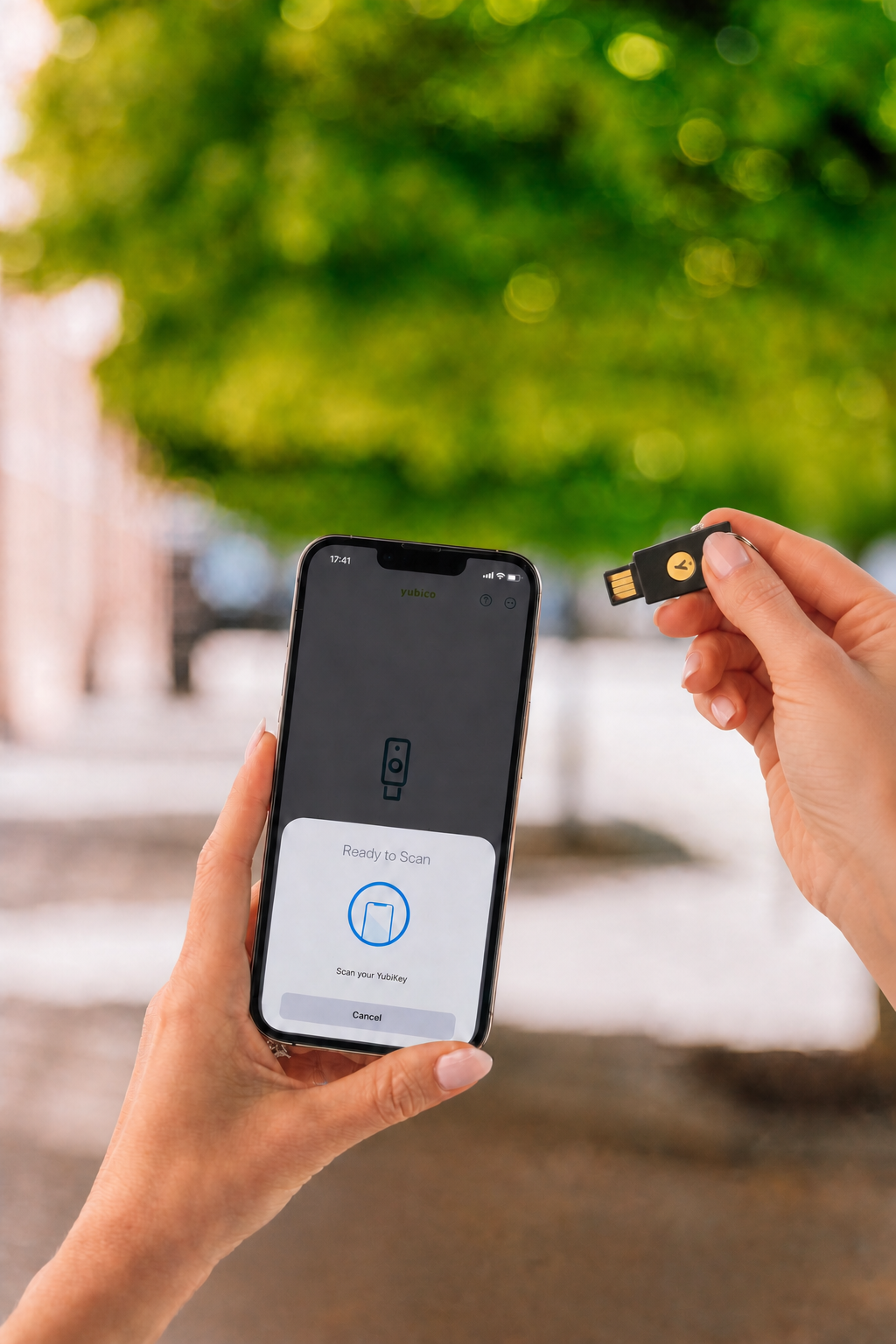
What a YubiKey is
A YubiKey is a small security key, about the size of a USB stick. You plug it in or hold it to the device. It carries the certificate that identifies a user. Without the key in hand there is no access, not even with a stolen password.
The key stays with the user
The certificate never leaves the YubiKey. It is not copied, not stored on the device and not sent over the network. A lost phone gives up no key.
An intercepted password is not enough
Without the physical key, an attacker can neither sign nor decrypt. That removes the basis for the most common attack on mailboxes.
One method instead of two
Anyone who uses a smart card at the desk uses the same principle on mobile. That saves a second rule, a second training and a second exception in the policy.
What is supported
Supported are the YubiKey 5 Series and the YubiKey FIPS Series, connected over NFC, USB-C or Lightning. The details:
YubiKey 5 Series
5 NFC, 5 Nano, 5C, 5C NFC, 5C Nano and 5Ci
YubiKey FIPS Series
Per Yubico, validated to FIPS 140-2, Level 1 and 2
Connection
NFC to tap, USB-C and Lightning to plug in
Operating systems
iPhone and iPad, Android, plus Windows and macOS
Method
PIV-compatible smart card, S/MIME for signing and decryption
Other hardware
Smart cards such as CAC, AirID and external card readers
Who works with it, and what changes there
The decision is rarely made in IT alone. So here is what changes, sorted by role.
Government and law enforcement
Where smart cards are mandatory at the desk, the chain has so far broken at the phone. With ISEC7 MAIL the exception for mobile devices goes away.
Administration
One method for desk and mobile instead of two separate rule sets. Fewer special cases in support, one process for loss reports.
Compliance and audit
A signed email is bound to a person, not to a shared password. That is provable in an audit.
Technical review
The method runs over a PIV-compatible smart card and S/MIME, independent of the device management in use. The demo uses your device type.
Where the information on this page comes from
Here we separate what third parties state, what comes from us, and what you can check yourself. That saves you the follow-up question.
Manufacturer statement
The FIPS 140-2 validation of the YubiKey FIPS Series is a statement by Yubico and documented in its catalog.
Self-submitted
The Works with YubiKey catalog entry comes from us and is marked at Yubico as a self-submitted statement. It documents the interoperability, not a review by Yubico.
Verifiable yourself
The most solid evidence is your own test. We set up the method with one of your devices and one of your keys, then you see it for yourself.
State of this page: 11 Aug 2026. We name approvals and certifications for ISEC7 MAIL only once the number and validity date are released.
Further reading
Entry at Yubico
ISEC7 MAIL in the Works with YubiKey catalog, with all compatible models and technical details.
To the Yubico catalogISEC7 MAIL at a glance
All features of the secure mail client for iOS and Android, from S/MIME to mailbox delegation.
To the product pageA demo in about 30 minutes
We show you the method with your device type and your mail environment as the starting point. You see how signing works on the phone and what setup means in your environment.
One sentence is enough for us: which devices and which mail environment you use. You do not need to prepare any documents beforehand, and there is no obligation.
Direct contact
ISEC7 GmbH, Schellerdamm 16, 21079 Hamburg, Germany
sales@isec7.com · +49 40 325076 0
State: 11 Aug 2026 · Next review: 11 Feb 2027